QR Code for Restaurant Menu: Setup & Best Practices
QR code menus are reshaping how restaurants operate—but they're not without friction. Here's how to implement one that actually works for your guests and business.
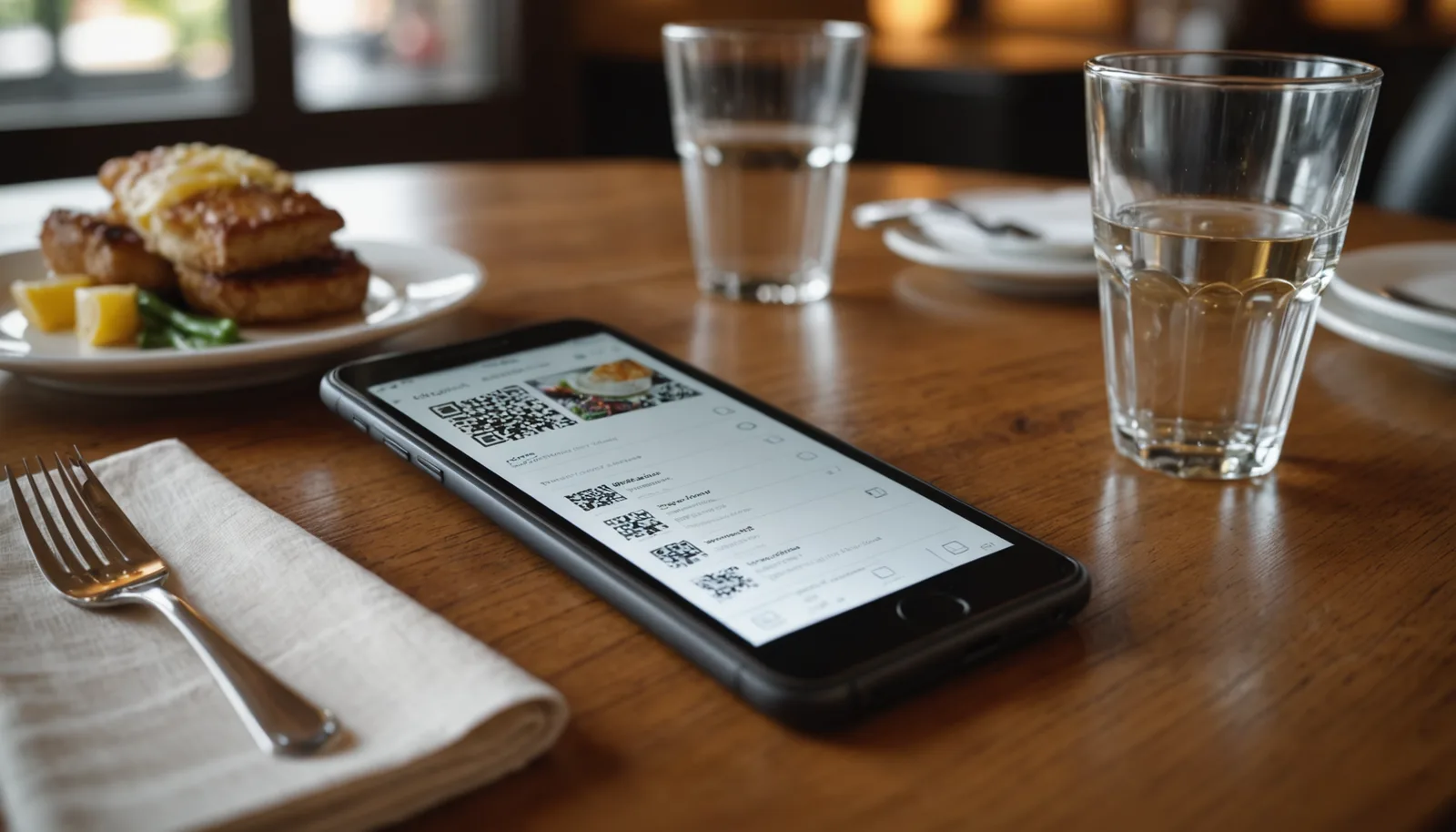
According to recent coverage, QR code menus have become one of the most polarizing restaurant trends—loved by operators for contactless ordering and cost savings, but increasingly frustrating for diners who'd rather handle a physical menu. Yet the shift toward digital isn't slowing down. If you're running a restaurant, café, or bar and considering a QR code menu, you need to understand both the technical setup and the human factors that determine success. This guide walks you through creating a QR code for your restaurant menu, the real trade-offs, and how to make the transition as painless as possible for your guests.
Why Restaurants Are Switching to QR Code Menus
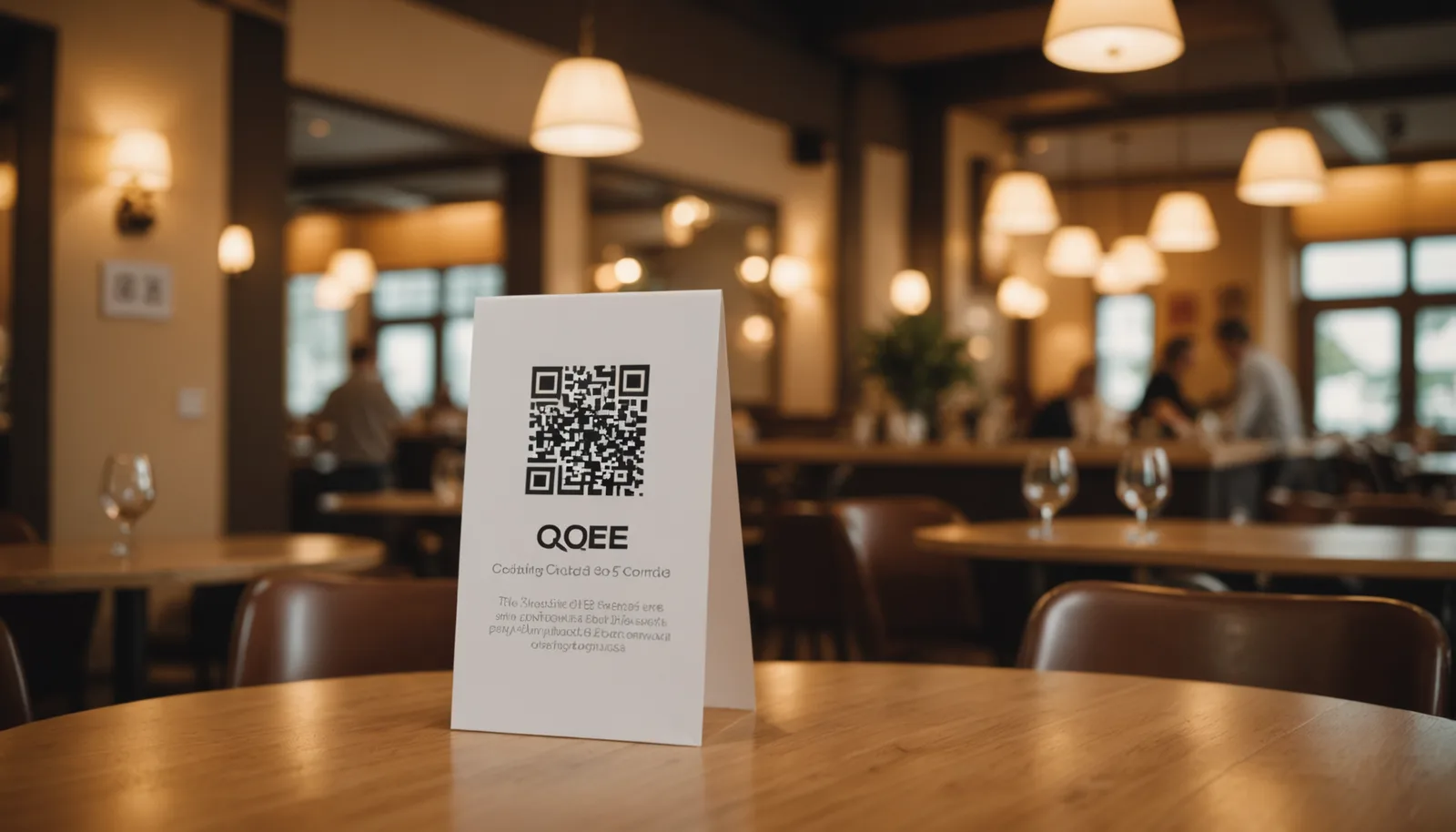
The shift to QR code menus accelerated during and after the pandemic, but the reasons go beyond hygiene concerns. Restaurants are adopting them for operational efficiency: updating prices, seasonal items, or availability takes seconds instead of reprinting menus. For independent restaurants operating on thin margins, this matters. A small café can adjust coffee prices or highlight a new pastry without throwing away printed stock. Larger chains see scale benefits across hundreds of locations.
QR code menus also reduce physical wear and tear. Traditional menus get bent, stained, and require regular replacement. A QR code on a table tent, wall signage, or printed card lasts far longer and costs almost nothing to maintain. Operators also report reduced paper waste and lower ongoing printing costs—real money back in the budget for staffing or ingredients.
From a data perspective, some systems behind QR codes collect anonymized analytics: peak ordering times, popular items, abandoned baskets. This information helps restaurants refine their offering and staffing. However, this benefit only applies if you're using a restaurant-specific QR menu platform rather than a simple code linking to a static PDF.
How to Create a QR Code for Your Restaurant Menu
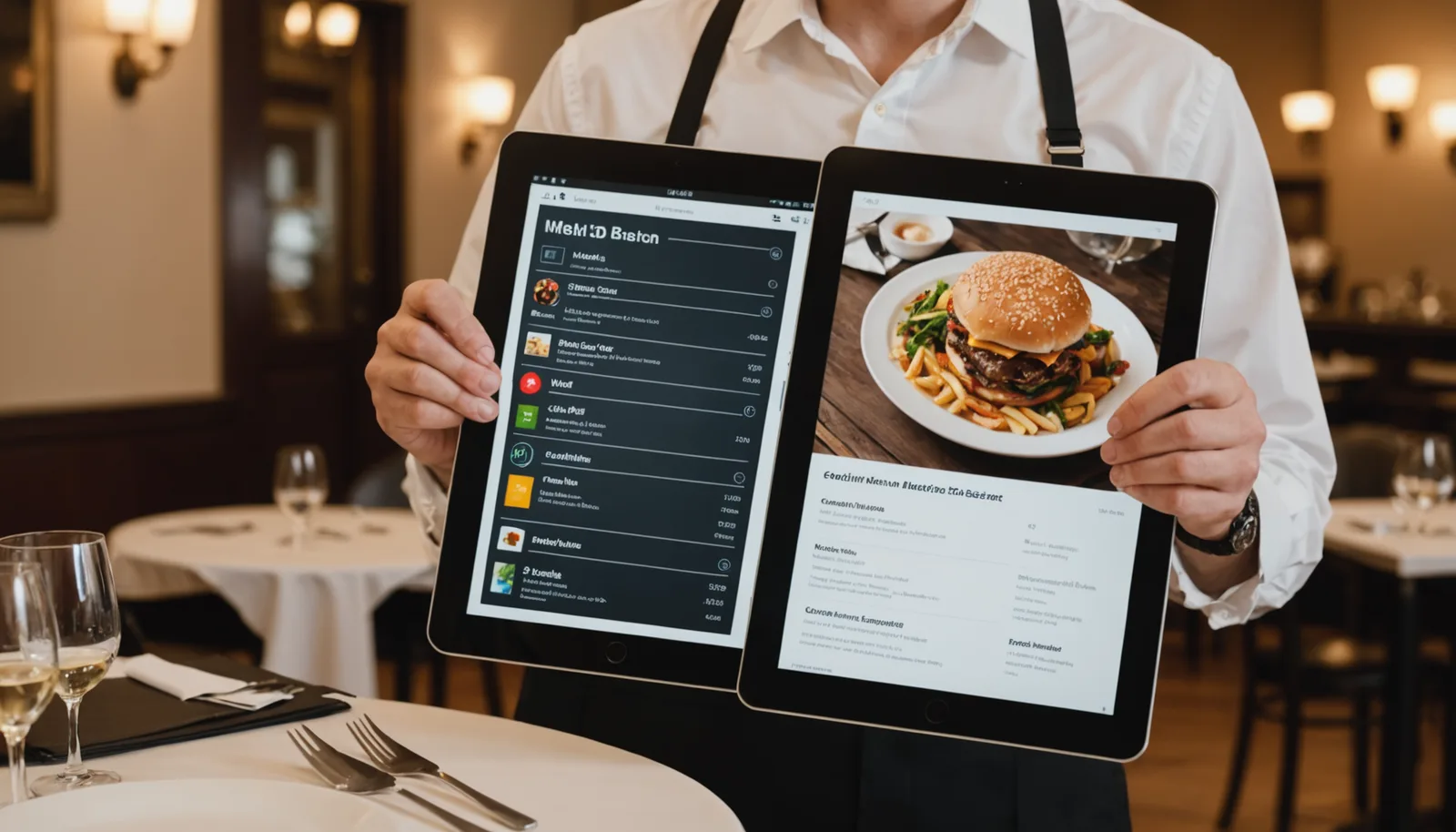
The technical process is simpler than many assume. First, prepare your menu in digital format—PDF, image, or interactive web page. If you're using a dedicated restaurant platform (like Toast, Square Online, or Lightspeed), they often generate QR codes automatically. If you're building independently, use a free QR code generator to create a code that links to your menu file or hosted webpage. You can generate a QR code for your restaurant menu in seconds using wrrk.space/qr-code-generator, which produces high-resolution codes with no watermarks or sign-ups required.
Once generated, test your QR code thoroughly before deploying it. Scan it from multiple devices, different angles, and varying distances. Poor QR code placement—blurry, too small, or facing away from diners—is a common failure point. Codes should be at least 2×2 inches and printed clearly on table tents, walls, or windows. Ensure there's adequate white space around the code (the quiet zone) so scanning apps read it reliably.
Consider the user experience on the receiving end. If your code directs to a PDF, make sure the file is optimized for mobile viewing—not a massive, slow-loading document. If it links to a web menu, the page must load quickly and be fully functional on phones without requiring installation of an app. Most diners will be on 4G or WiFi; design for both scenarios.
Best Practices for QR Code Menu Implementation
Placement and visibility are critical. According to recent industry coverage, diners often struggle with finding or scanning QR codes, or express frustration about the trend altogether. Position codes at eye level on tables, near the entrance, or on checkout counters. Provide clear signage—a simple printed instruction like 'Scan here for menu' reduces friction. Avoid burying the code in clutter or small print.
Offer a fallback option. Not every diner has a smartphone, has it charged, or knows how to scan a QR code. Providing printed menus or a physical menu board for those who ask isn't admitting defeat—it's operational common sense. Many successful restaurants use a hybrid approach: QR codes for the majority, printed menus on request. This addresses accessibility concerns and reduces guest frustration, particularly among older customers.
Optimize for speed and clarity. If your code links to an interactive menu, ensure the platform is fast and intuitive. Complex navigation, auto-playing videos, or forced account creation turn a simple scan into a frustrating task. The best QR code menus load instantly and let diners browse, filter by dietary preference, or add notes to their order without unnecessary friction. Keep the design mobile-first and test regularly from outside your restaurant network.
Weighing the Downsides Before You Commit
While QR code menus solve real problems for operators, they introduce genuine friction for some guests. Reports indicate that customers, especially older diners, view QR code-only menus as a loss—they force phone use, eat battery life, and require stable connectivity. If your WiFi is unreliable or your target demographic skews older, a QR-only approach will backfire. The First Thing You Should Do After Touching A Restaurant Menu, according to one recent analysis, is wash your hands—but that hygiene argument, which once justified digital menus, has faded as pandemic concerns receded.
Accessibility is another consideration. Visually impaired guests may struggle to scan codes. Non-smartphone users are excluded entirely. From a legal perspective, depending on your jurisdiction, failing to provide alternative menu formats could create ADA compliance issues. Some states and municipalities are beginning to regulate this—requiring restaurants to offer both digital and physical options.
There's also the matter of guest experience and perceived value. Some diners feel depersonalized by menus-on-phones. They want to hold a menu, take their time, and interact with staff. A restaurant that eliminates all physical menus sends a signal, whether intended or not, that convenience to the business matters more than guest comfort. This perception risk is real and worth factoring into your decision.
Frequently asked questions
+−What's the best format for a QR code restaurant menu?
A mobile-optimized webpage or PDF works best. Webpage menus load faster and allow filtering by dietary restrictions; PDFs are simpler to set up but load slower. Avoid forcing app downloads or requiring account creation. Test on actual phones before deploying.
+−How do I update my QR code menu after I generate it?
If you use a static QR code (pointing to a file), you'll need to regenerate the code each time. Dynamic QR codes let you update the content without changing the code itself—most restaurant platforms and some QR generators offer this. For best results, link to a hosted webpage you control rather than a static file.
+−Can customers scan a QR code menu without WiFi?
They can scan the code on 4G/LTE or cellular data, but the content will only load if they have internet connectivity. For reliable access, test your QR menu on both WiFi and cellular networks, and optimize file sizes so pages load quickly on slower connections.
+−Are QR code menus accessible for people with disabilities?
QR codes can be accessible if the linked menu is screen-reader compatible and designed for mobile accessibility. However, they exclude users without smartphones or those who can't see well enough to scan. Offering printed menu alternatives and ensuring your digital menu meets WCAG standards is essential for true accessibility.